
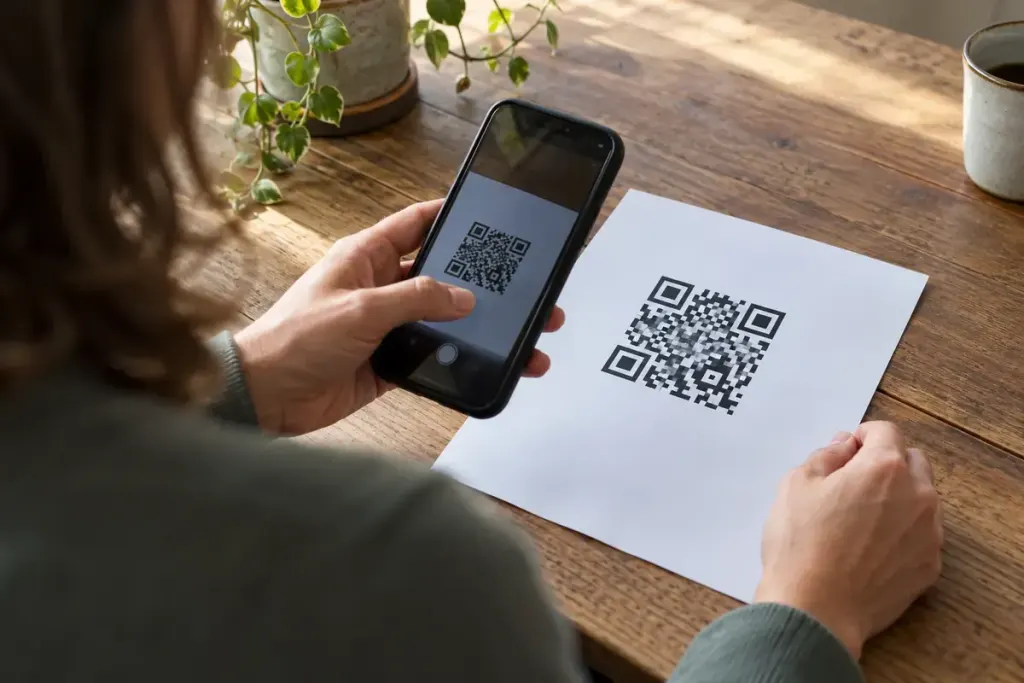
A café prints a thousand cards directing customers to a seasonal offer. The offer ends, the page is deleted, and the cards remain in bags and desk drawers for months. The QR code still scans perfectly; the destination is what has failed.
Before ordering print, decide what the link should do after the immediate campaign ends. A printed symbol cannot be edited like a social post. The address encoded in it and the service that handles that address need a longer-term owner.
Know which address is actually inside
DENSO WAVE’s explanation of QR codes describes a symbol that stores information. For a web link, distinguish the encoded address from the final page a visitor reaches. A service may send scanners through its own address before redirecting them to yours. Check its terms, continuing costs and what happens if the account closes.
One practical approach is to use a short address on a domain the business controls. That address can serve a maintained page or redirect to the appropriate destination. MDN’s guide to HTTP redirects explains the mechanism; a web administrator can choose the appropriate behaviour for the intended lifetime.
Write the ending before the launch
Record the printed item, its encoded URL, the current destination, an owner and a review date. Add an instruction for the end of the offer. A clear “this promotion has ended” page with current information can be more helpful than an unrelated homepage or a silent error.
For example, a workshop flyer could lead to event details while booking is open, then to an archive explaining that the session has finished and where future dates will appear. Do not silently promise that the old price or availability still applies.
Test a physical proof with more than one phone before printing the full run. Check the destination, not just whether the camera recognises the symbol, and include a readable alternative address where practical. Put the review task on the business calendar. The useful lifespan of a QR code depends on maintaining the journey behind it.